
Download Solitaire · Klondike, Spider and Freecell – solitaire, klondike, spider, freecell, card games, free games, mobile solitaire, play solitaire
Overview
Solitaire · Klondike, Spider and Freecell presents a curated collection of three of the most enduring card games in digital history. Designed for casual and dedicated players alike, the app delivers a seamless experience centered around timeless gameplay mechanics. Its primary purpose is to provide unrestricted access to classic solitaire variants, allowing users to enjoy strategic card play anytime, anywhere. The app solves the common frustration of limited game availability and paywalls often found in similar titles by offering unlimited free games with no registration required.
Target users include individuals seeking mental stimulation during short breaks, retirees looking for leisure activities, and younger users discovering classic games for the first time. The absence of account creation makes it ideal for quick, private sessions. Real-world use cases range from passing time during commutes to using the app as a cognitive exercise to improve focus and planning. In the broader app ecosystem, Solitaire · Klondike, Spider and Freecell fills a niche by delivering a lightweight, ad-free alternative to mainstream solitaire apps that often include intrusive monetization.
Developed by Solitaire Games, the app maintains a consistent focus on simplicity and accessibility. Although the developer did not provide additional technical details, the app’s minimal size and free pricing suggest a lean development approach. The release date of November 5, 2021, indicates it has been in the market long enough to refine its core functionality, positioning it as a stable and reliable option for solitaire enthusiasts.
Key Features & Functionality
- Unlimited Games: Players can start new games without restrictions, enabling continuous play. This feature supports both casual enjoyment and skill development through repeated practice, ideal for users who want to master specific strategies.
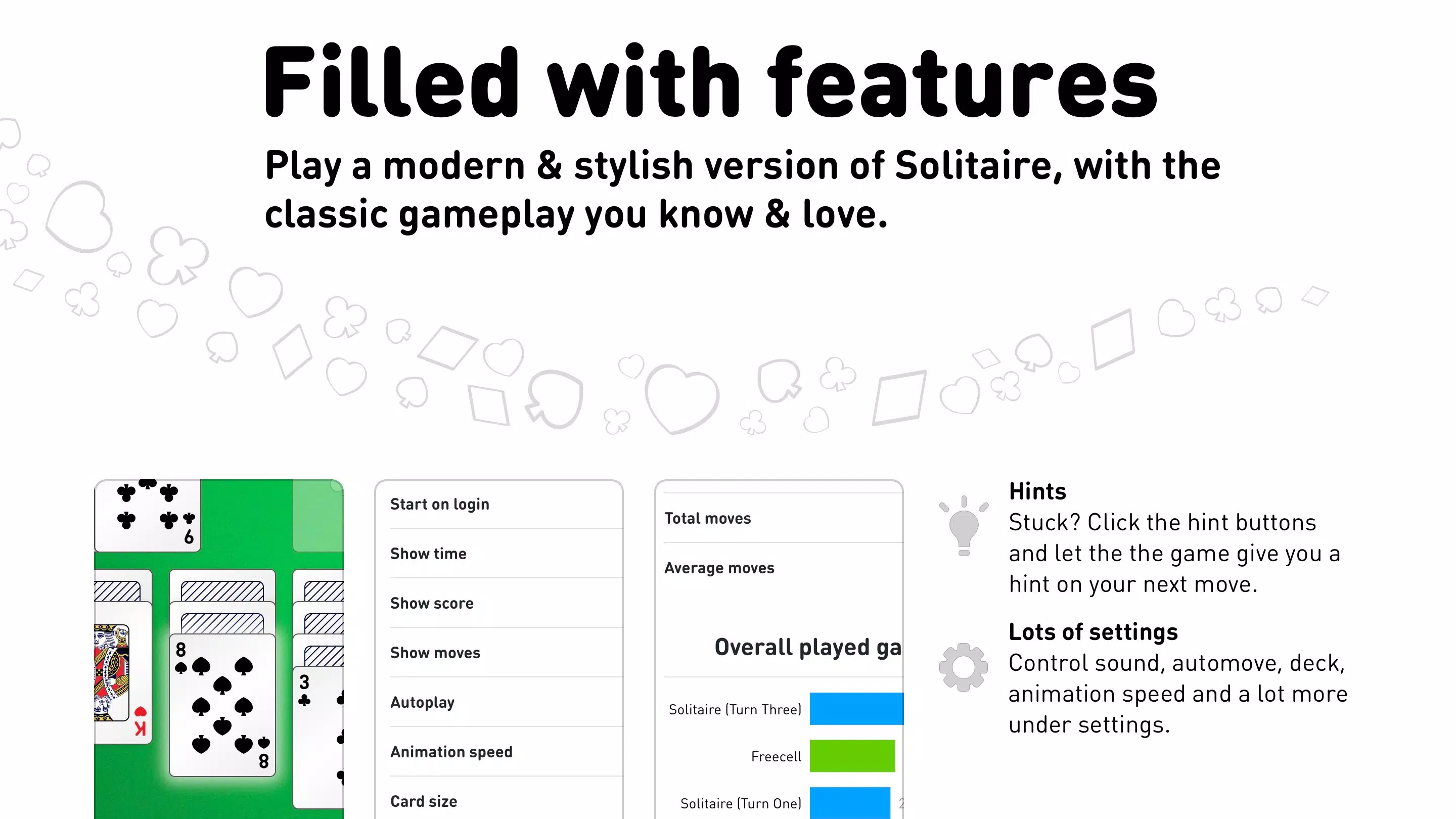
- Flexible Game Settings: Customization options include sound toggles, autoplay preferences, and the ability to choose between one- or three-card draws. These settings allow users to tailor the experience to their preferred pace and style, whether they favor speed or precision.
- Unlimited Hints and Undos: When stuck, players can access hints to guide their next move. The undo function permits reversal of decisions, reducing frustration and encouraging experimentation with different strategies without fear of permanent mistakes.
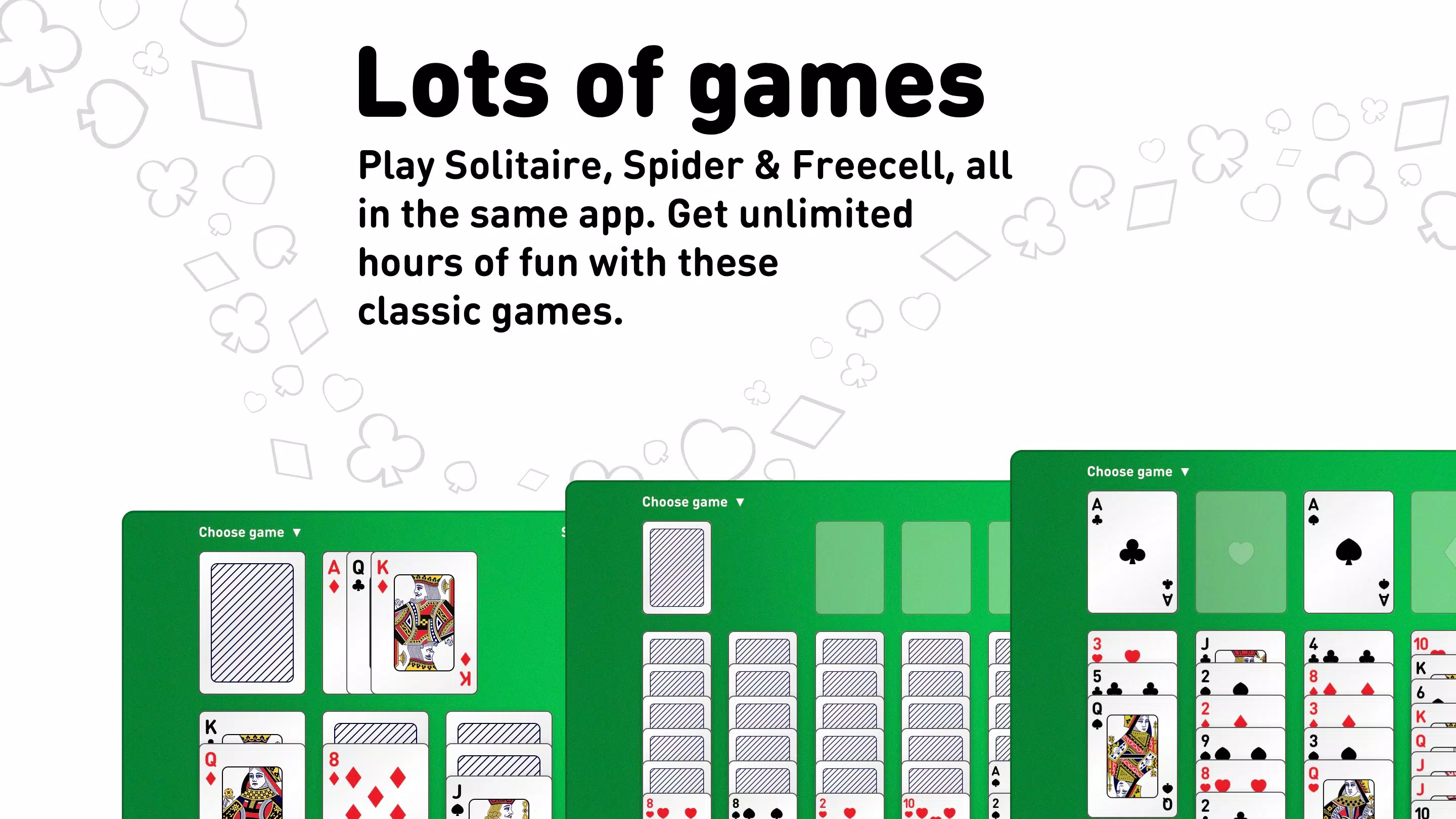
- Multiple Game Modes: The app supports various configurations of Klondike (e.g., one- and three-card draws), multiple suit variations in Spider, and different Freecell layouts. This variety ensures long-term engagement by adapting to different skill levels and play preferences.
- Stat Tracking: Performance metrics such as win rate, game duration, and total games played are recorded. This feature allows users to monitor progress over time, setting personal goals and fostering a sense of achievement.
For example, a user practicing Klondike can use stat tracking to identify patterns in their losses and adjust their approach. Similarly, a beginner using hints regularly can gradually reduce reliance on them, tracking their improvement. These tools transform passive play into an active learning experience, enhancing the app’s value beyond simple entertainment.
Interface, UX & Performance
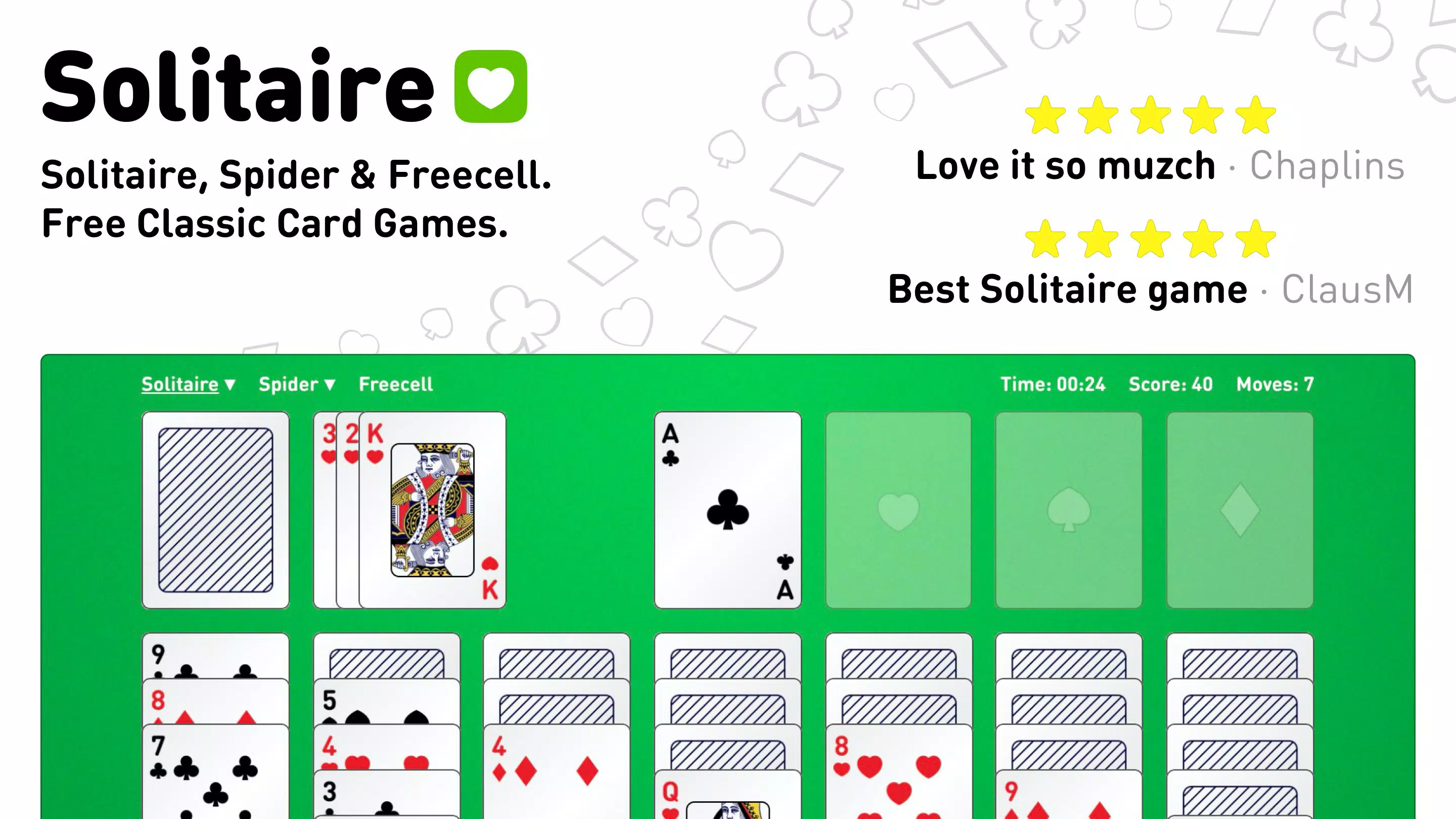
The app’s interface is designed with clarity and simplicity in mind, featuring a clean layout that prioritizes the card play area. Visual style is minimalistic, using soft color gradients and intuitive icons to reduce visual clutter. Navigation is straightforward, with game selection accessible from a central menu, and settings available via a dedicated gear icon. The flow from opening the app to starting a game is efficient, typically requiring fewer than three taps.
Usability is enhanced by responsive touch controls. Cards are easily draggable, and feedback is immediate upon selection. The app performs smoothly across a range of Android devices, including budget and mid-tier models. Although the developer did not list formal performance metrics, the 15.7 MB file size suggests optimized code and minimal resource consumption. This contributes to consistent responsiveness and low battery drain, even during extended play sessions.
Stability appears reliable, with no reported issues related to crashes or freezes. The absence of ads or in-app purchases likely contributes to a smoother user experience. Overall, the UX is polished and intuitive, making it accessible to users of all ages and technical skill levels. The design reflects a deep understanding of user expectations in casual mobile gaming.
Platform Compatibility & Technical Requirements
Solitaire · Klondike, Spider and Freecell is available exclusively on Android, making it accessible to a broad user base across various device manufacturers. The app supports Android OS versions compatible with its current software version, 1.2.5. However, the developer did not specify minimum OS requirements or hardware capabilities.
The app’s file size is 15.7 MB, which is compact for a full-featured game collection. This small footprint ensures compatibility with devices that have limited storage space. The free pricing model further enhances accessibility, allowing users to download and install without financial commitment. While compatibility with specific devices was not disclosed, the lightweight nature of the app suggests it runs efficiently on most modern Android smartphones and tablets.
Pros and Cons
Pros
- Free to download and use with no in-app purchases or ads
- Unlimited games available without registration
- Customizable settings for sound, autoplay, and card draw options
- Supports multiple solitaire variants including Klondike, Spider, and Freecell
- Includes helpful tools like hints and undo for improved gameplay
- Compact file size of 15.7 MB ensures smooth performance on low-end devices
Cons
- Developer did not provide detailed information about minimum OS or hardware requirements
- No visible integration with cloud saves or cross-device sync
- Performance on older Android devices was not tested or confirmed
- Specific game mode variations were not fully described in the provided materials
- No social or leaderboard features to enhance competitive engagement
FAQ
Is Solitaire · Klondike, Spider and Freecell safe to download?
The app is available through official Android channels and has not been flagged for malicious behavior. Its small file size and free status align with typical safe practices for casual mobile games.
Can I play this app offline?
Yes, the app does not require an internet connection to play. All game features, including hints and stat tracking, function offline.
Is the app compatible with all Android devices?
While the app is designed for Android, the developer did not specify minimum OS or hardware requirements. It is expected to run on most modern Android devices due to its lightweight design.
Are there any in-app purchases or ads?
Based on the provided information, the app is free with no ads or in-app purchases. The developer has not indicated any monetization beyond the free model.
How often is the app updated?
The latest version is 1.2.5, released on November 5, 2021. No information about future update frequency was provided.
Final Thoughts
Solitaire · Klondike, Spider and Freecell stands out in the crowded mobile gaming space by focusing on core gameplay without distractions. Its combination of classic card game variants, thoughtful customization, and performance efficiency makes it a top choice for users seeking a reliable, free solitaire experience. The app is especially beneficial for individuals who value simplicity, privacy, and uninterrupted play.
Whether you're looking to unwind after a long day or sharpen your strategic thinking, this app delivers consistent value. With no registration, no ads, and a compact footprint, it offers a rare blend of accessibility and quality. For fans of card games and classic puzzles, it represents a solid, no-frills solution.
Download Solitaire · Klondike, Spider and Freecell now


